
Typora图床设置
安装图床(服务器)
兰空图床(Lsky Pro)
https://github.com/lsky-org/lsky-pro
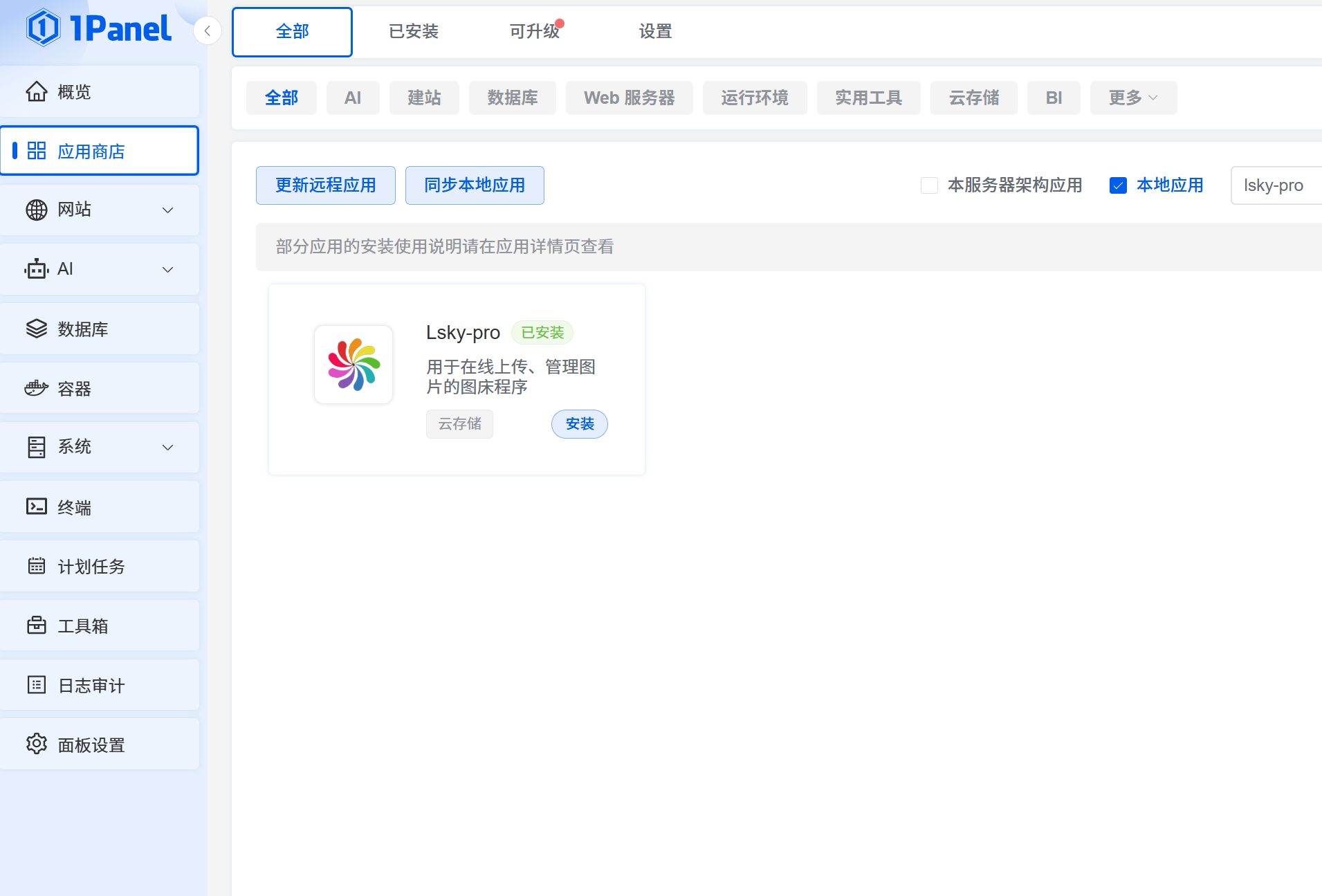
进入1panel在线安装
http://10.0.0.203:12345/apps/all
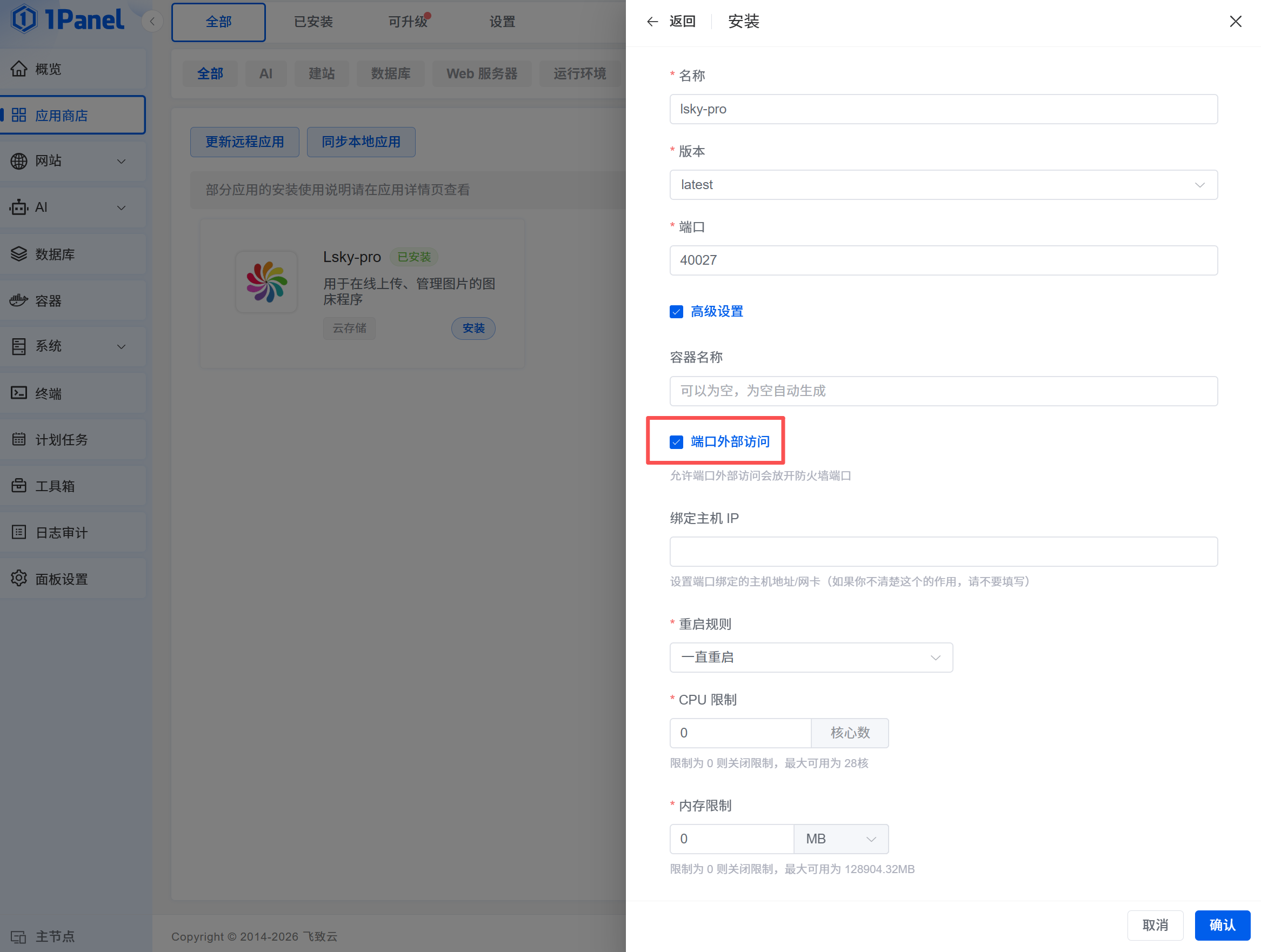
勾选端口外部访问
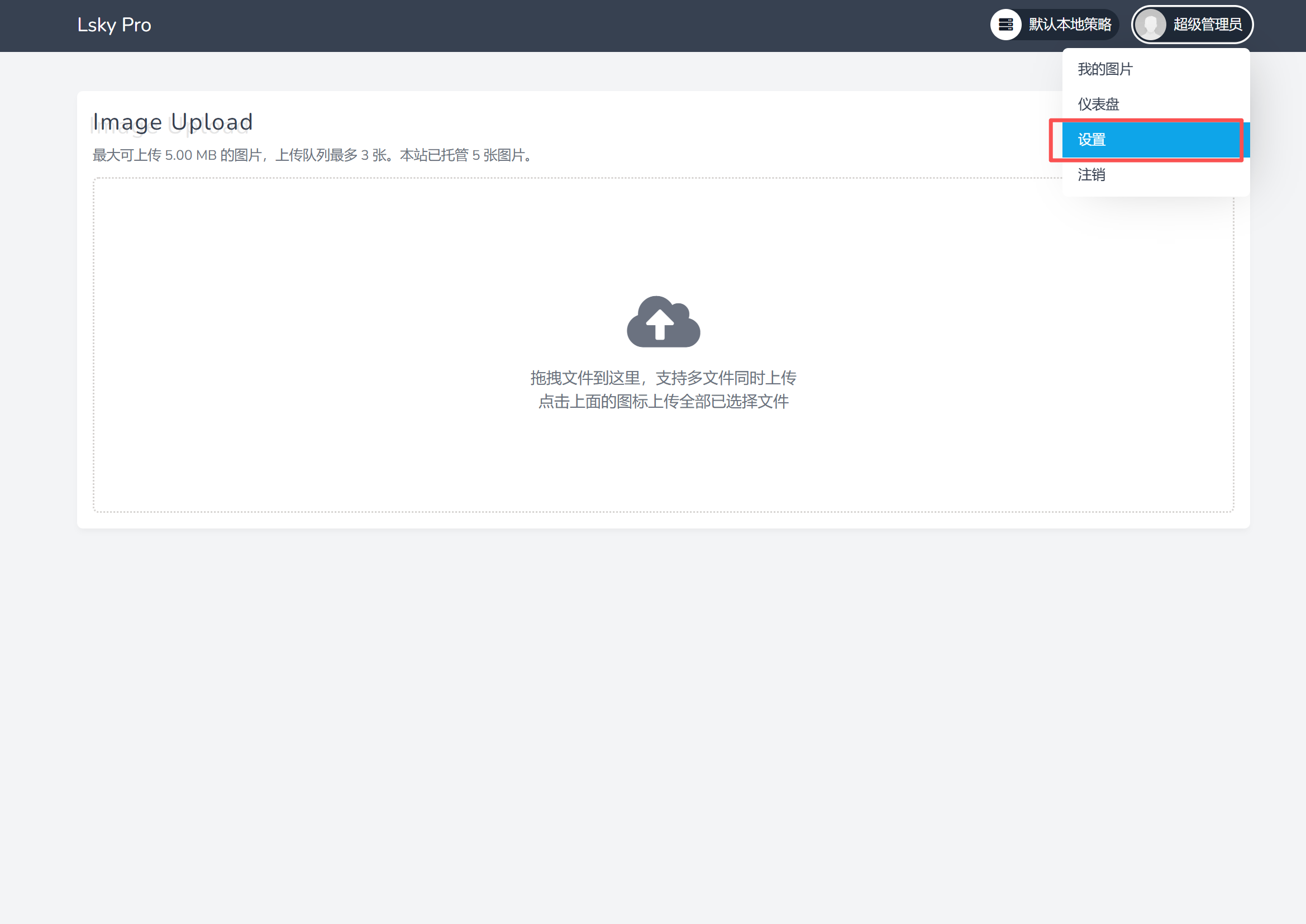
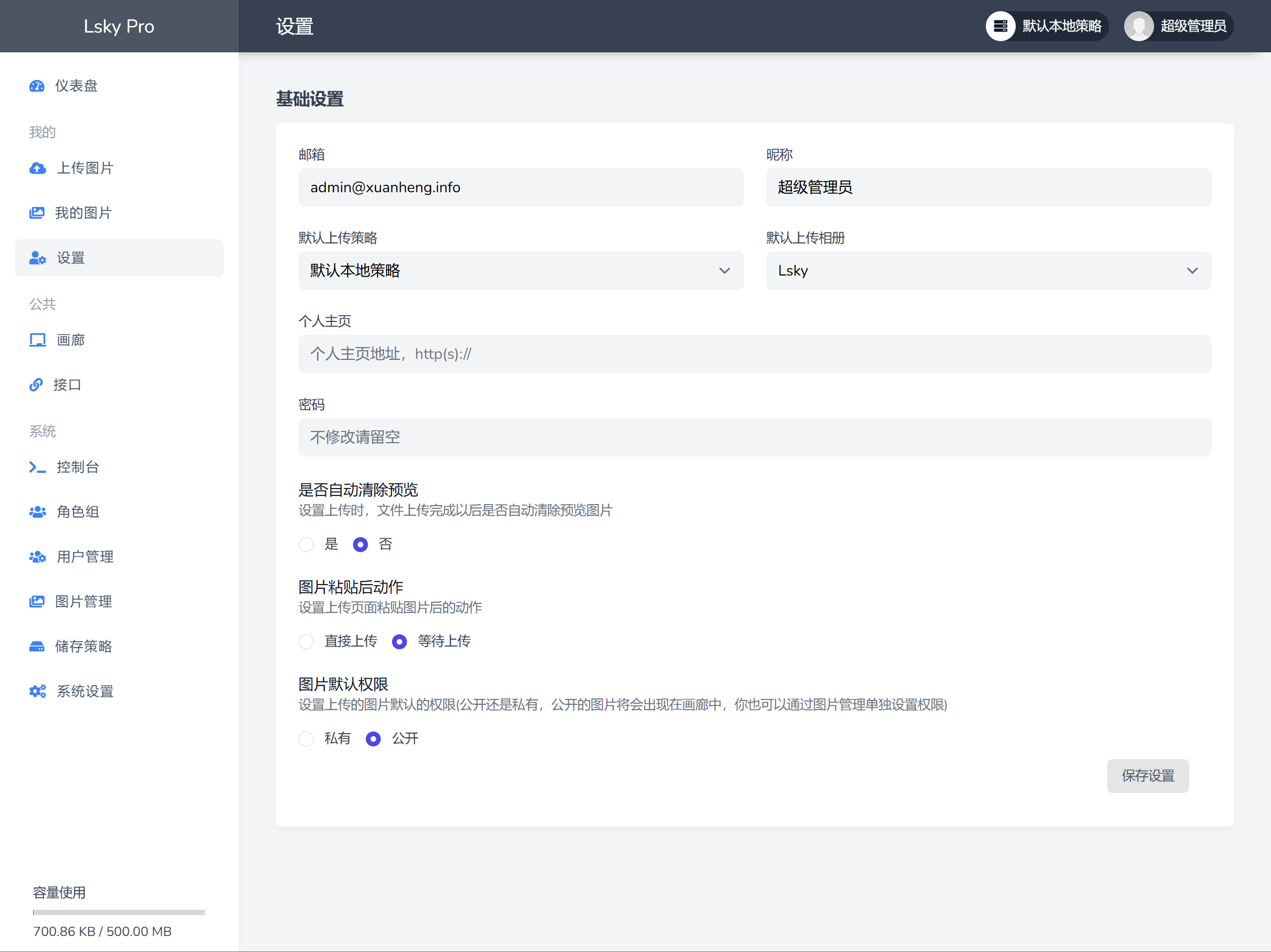
获取token
curl --location --request POST 'https://{host}/api/v1/tokens' \
--form 'email="{email}"' \
--form 'password="{password}"'

示例:
curl --location --request POST 'http://10.0.0.203:40027/api/v1/tokens' \
--form 'email="admin@xuanheng.info"' \
--form 'password="Xhnetwork@123"'


curl --location --request POST 'https://xh-pic.jrui.fun/api/v1/tokens' \
--form 'email="admin@xuanheng.info"' \
--form 'password="Xhnetwork@123"'


https://xh-pic.jrui.fun/
